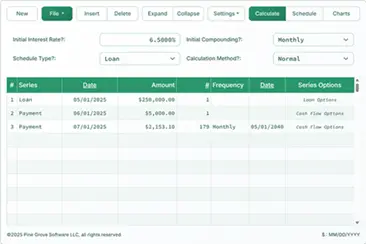
Auto Loan Calculator
Create an accurate car loan payment schedule
How do I use the auto loan calculator?

An easy-to-use car loan calculator with a printable payment schedule. Optionally considers taxes, amount down, trade-in, and maintenance. APR calculation. Also:
- Insurance, registration & fees
- Export to XLSX/DOCX files
- Impact of extra payments
Learn all the details about the cost of car ownership.
Using the calculator is straightforward.
- Click Clear and enter values for:
- Amount of Loan
- Number of Payments
- Annual Interest Rate
- Optionally set the dates.
- Leave Loan Payment Amount set to 0.
- Click “Calc”, or
- “Payment Schedule” for a detailed payment report.
- Calculation complete.
Auto Loan Payment Schedule
An auto loan schedule calculates the payment amount and shows the breakdown between principal and interest, and possibly other fees and charges. Note that with most calculators on this site, you may use the “Payment Schedule” button or a “Print Preview” button instead of the “Calc” button. More below…